

Verified
The details you submitted match the record held by the issuing agency. The document exists and the fields you entered agree with it.
Next step. Record the result and continue with any other checks your policy calls for.

 WatchEyeOnboarding & monitoringarrow_forward
 IDFEX ID CheckIdentity verificationarrow_forward
 ID PassSelf-service verificationarrow_forward
 CasparKYC & background dataarrow_forward
 InsiightData qualityarrow_forward
 Australian Death CheckDeceased dataarrow_forward
 QuesterMarketing listsarrow_forwardWatchEyeOnboarding & monitoring
Customer onboarding, screening and ongoing monitoring in one system, with real-time KYC and KYB alerts when a customer's risk changes.
IDFEX ID CheckIdentity verificationOne-to-one identity, document and data checks against the DVS and Australian data sources, run from the Portal or by API.
ID PassSelf-service verificationCustomers verify their own identity and biometrics from a link on their phone. The result comes back to you, and they keep control of their data.
CasparKYC & background dataFind, verify and identify consumers, with background and contact detail drawn from about 2 billion Australian records.
InsiightData qualityVerifies, corrects and enriches customer records so they stay accurate — one at a time or across your whole database.
Australian Death CheckDeceased dataThe official national death data source. Match your records against it to find and remove deceased individuals.
Use cases
deceasedDeceased suppressionQuesterMarketing listsBuild targeted, privacy-compliant Australian marketing lists with smart filters. Pay only for the records you download.
Solutions
campaignB2C marketing listsUse cases
contact_phoneContact data validationConfirm a person or business is who they claim to be: government IDs, biometrics, business registries and employment checks against authoritative Australian sources.
Meet AUSTRAC obligations and understand customer risk: screening, risk assessment, fraud controls and investigation tools with evidence recorded for each check.
Keep customer records accurate and put them to work: correct and enrich existing data, unify it into a single view, or build compliant marketing lists from opted-in records.
Run the same checks from your own systems. See the developer docs for the full reference.
The WatchEye API gives programmatic access to everything in WatchEye: PEP and sanctions screening, identity checks, IDPass verifications, monitoring programs, events and reports.
Obligations under the AML/CTF Act, from screening at onboarding through to ongoing monitoring — with the evidence for each check recorded.
Verifying who a customer, employee or account holder is — at sign-up and during ongoing checks — against authoritative Australian sources.
Keeping customer records accurate, current and complete: validate contact detail, fill the gaps, locate people and remove deceased records.
9am–5pm AEST, Monday to Friday.
call03 9948 4089As an approved gateway service provider, Global Data has a direct connection to the Document Verification Service, which is operated by the Australian Government. Businesses or government agencies can use this connection to verify a person’s identity, with their express consent, against government-held records.





Documents
Select the document types relevant to your customers. Coverage can differ between customer-completed flows, staff-run checks and APIs, so confirm the documents available through your chosen route.
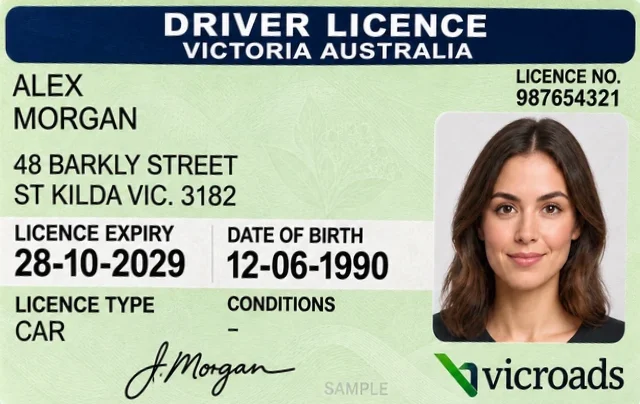
Checked with NEVDIS, the national driver licence exchange
You enter name, date of birth, licence number, card number, state
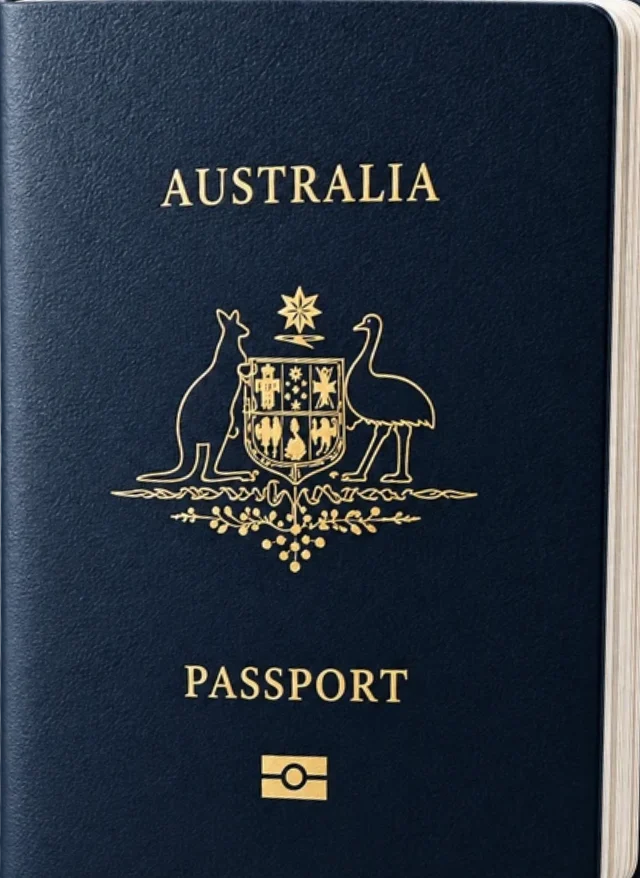
Checked with Department of Foreign Affairs and Trade
You enter given names, family name, date of birth, passport number
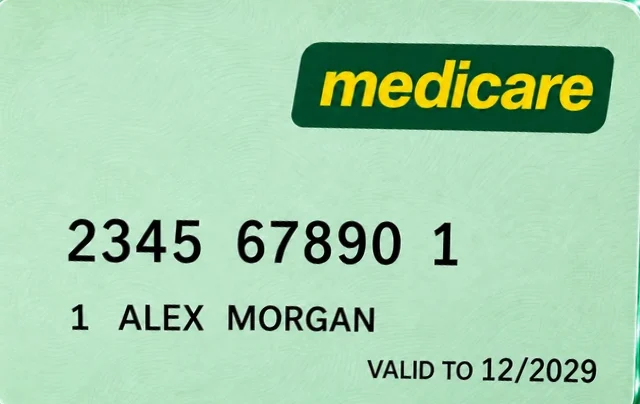
Checked with Services Australia
You enter card colour, name as printed, card and issue number, IRN, expiry
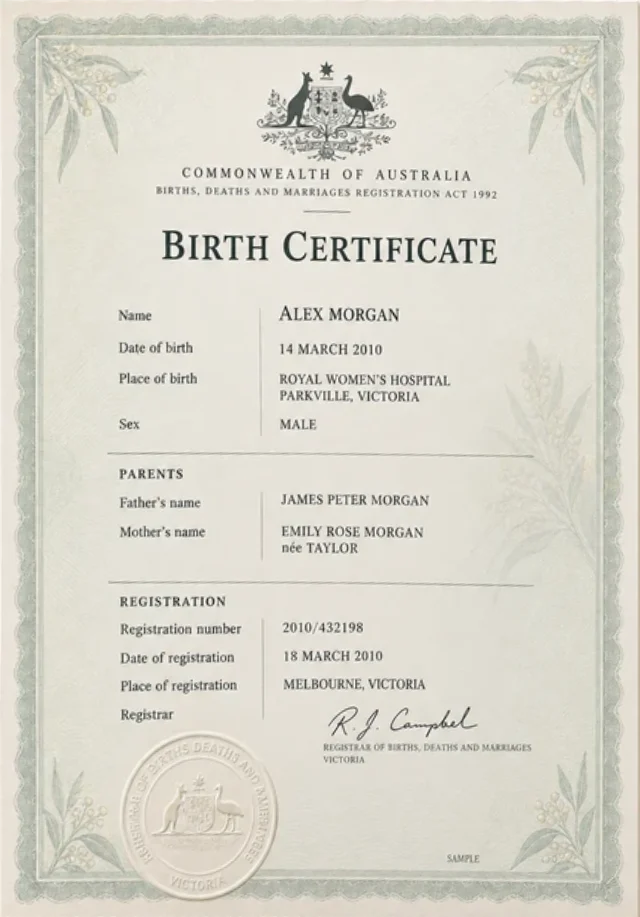
Checked with State or territory Births, Deaths and Marriages registry
You enter name, date of birth, registration or certificate number, state
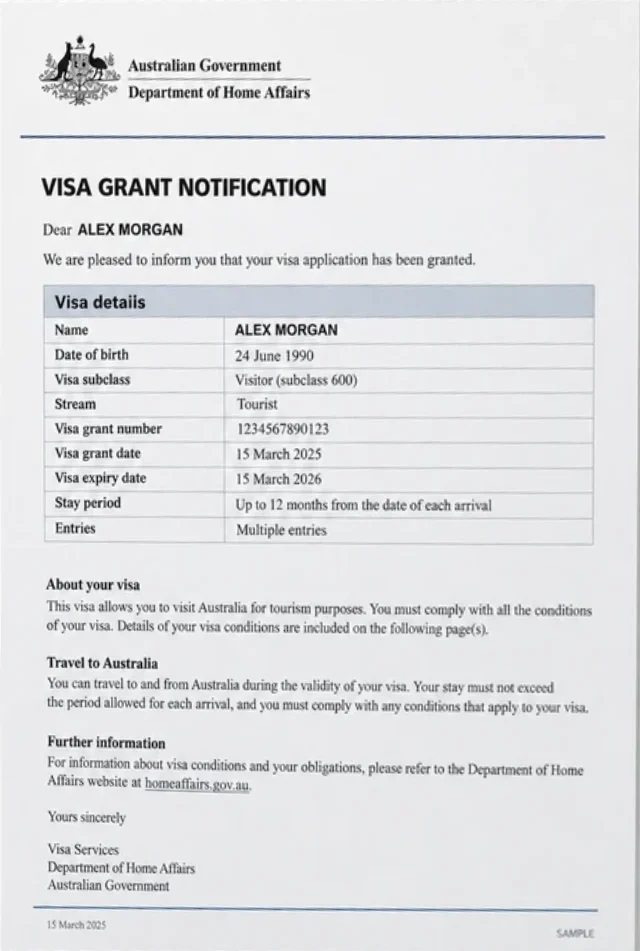
Checked with Department of Home Affairs, using the linked foreign passport
You enter name, date of birth, foreign passport number
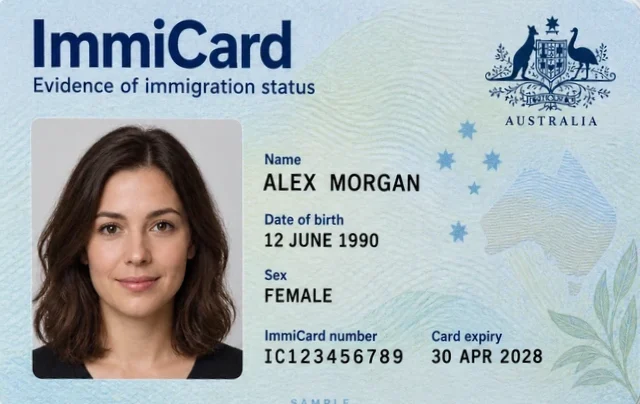
Checked with Department of Home Affairs
You enter name, date of birth, ImmiCard number
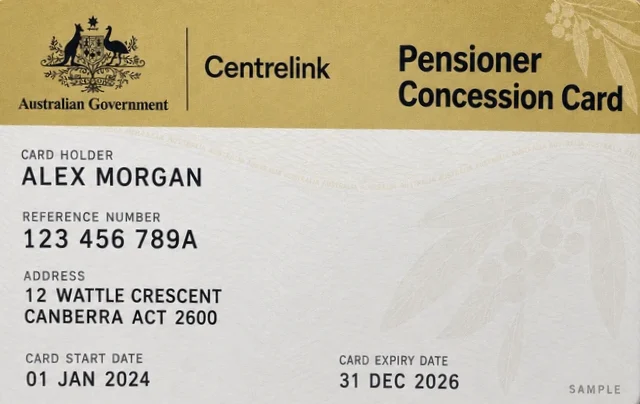
Checked with Services Australia
You enter card type, name as printed, customer reference number, expiry
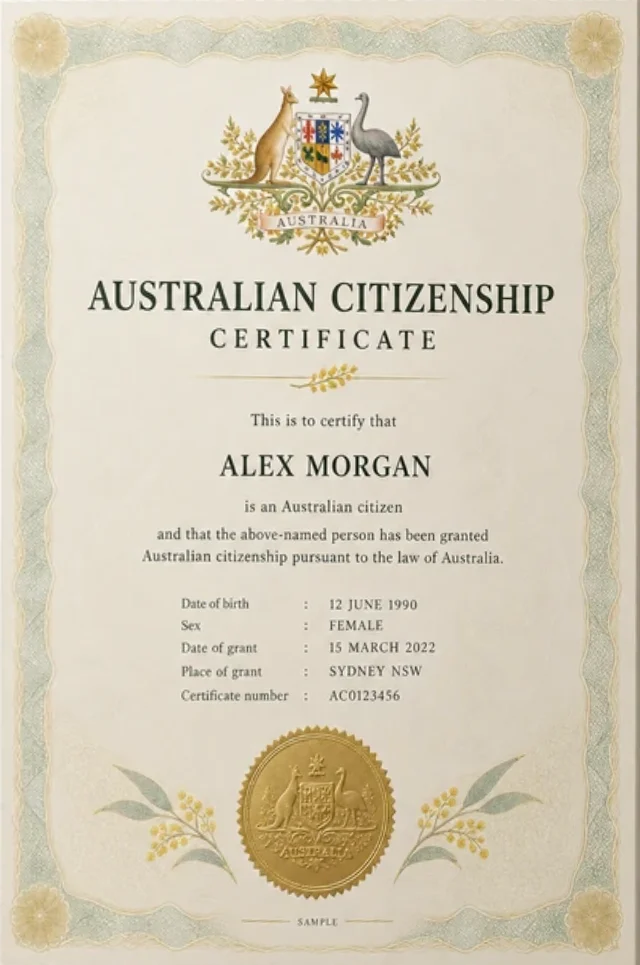
Checked with Department of Home Affairs
You enter name, date of birth, stock number, acquisition date
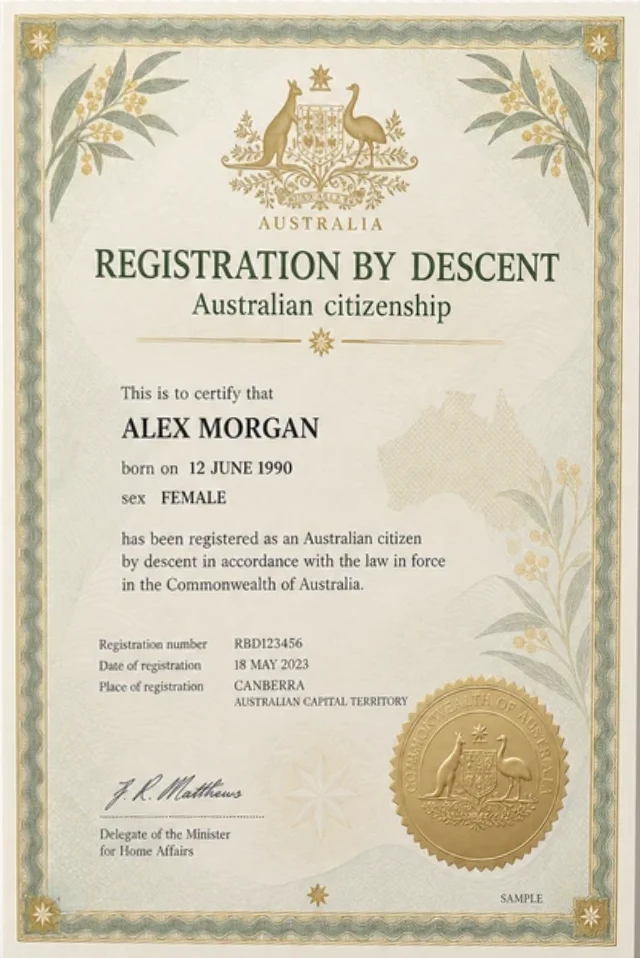
Checked with Department of Home Affairs
You enter name, date of birth, stock number, acquisition date
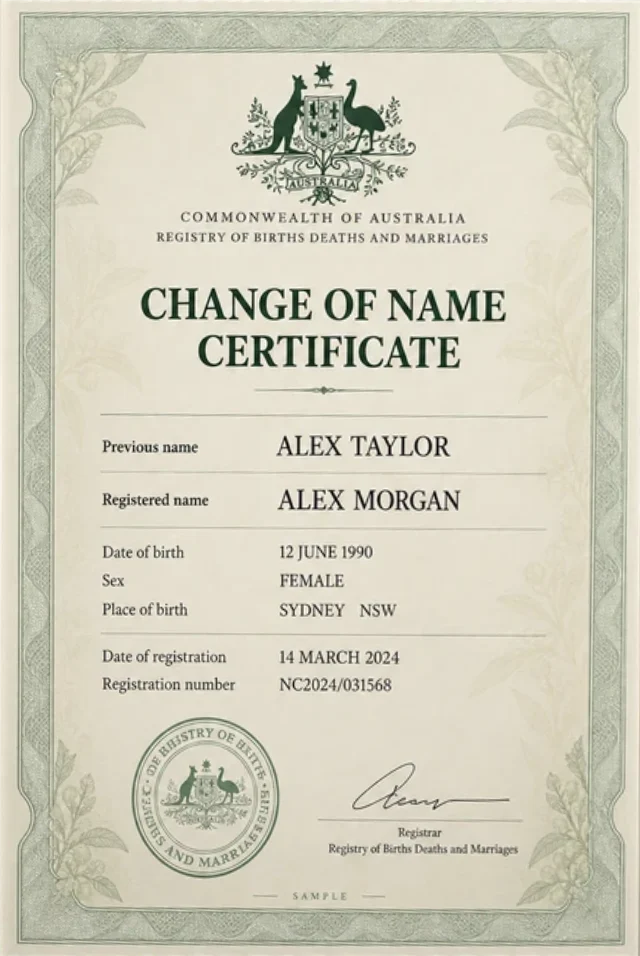
Checked with State or territory Births, Deaths and Marriages registry
You enter names on the certificate, registration or certificate number, state
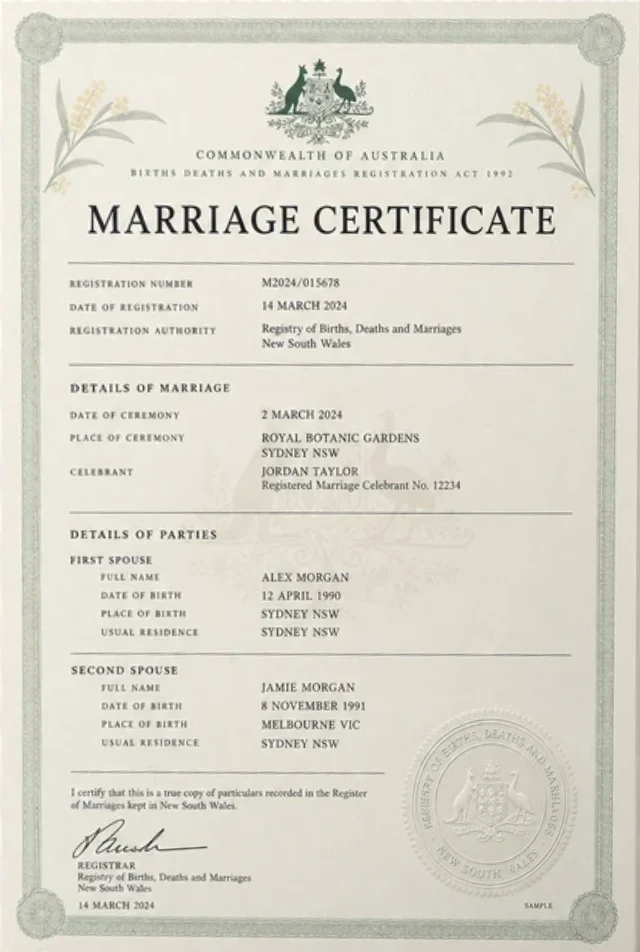
Checked with State or territory Births, Deaths and Marriages registry
You enter both parties' names, date of event, registration or certificate number, state
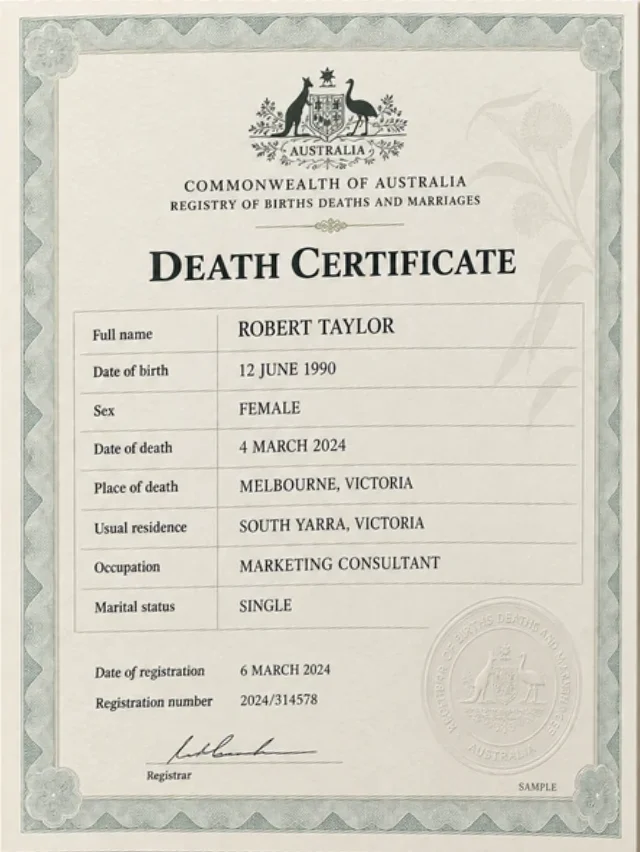
Checked with State or territory Births, Deaths and Marriages registry
You enter name, date of death, registration or certificate number, state
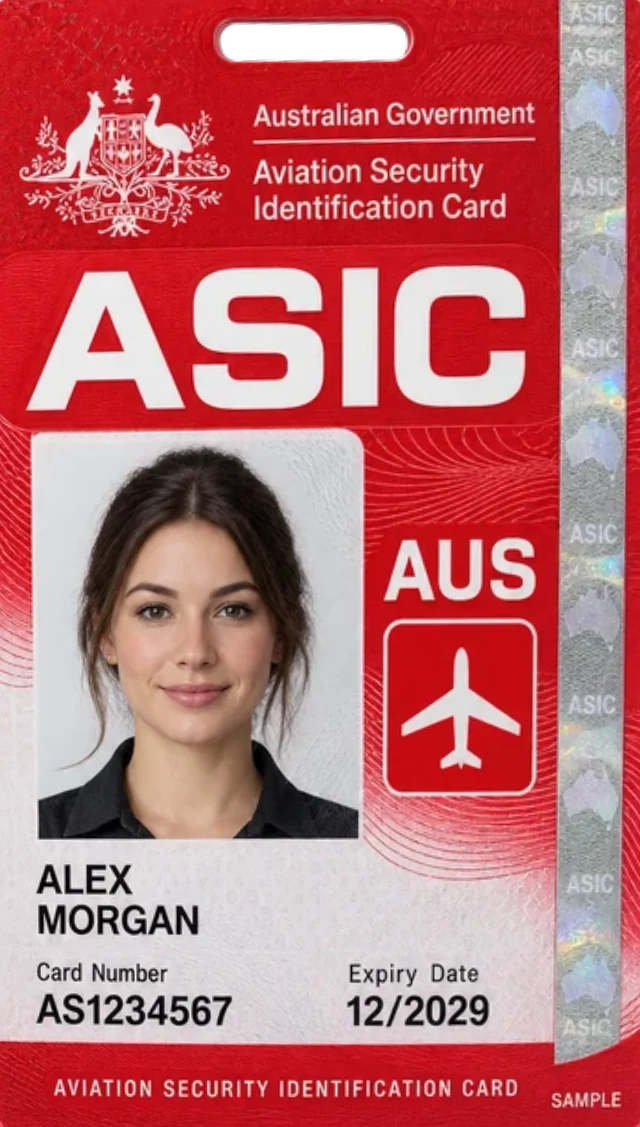
Checked with The ASIC issuing scheme, through the DVS
You enter full name, card number, expiry, card type, date of birth
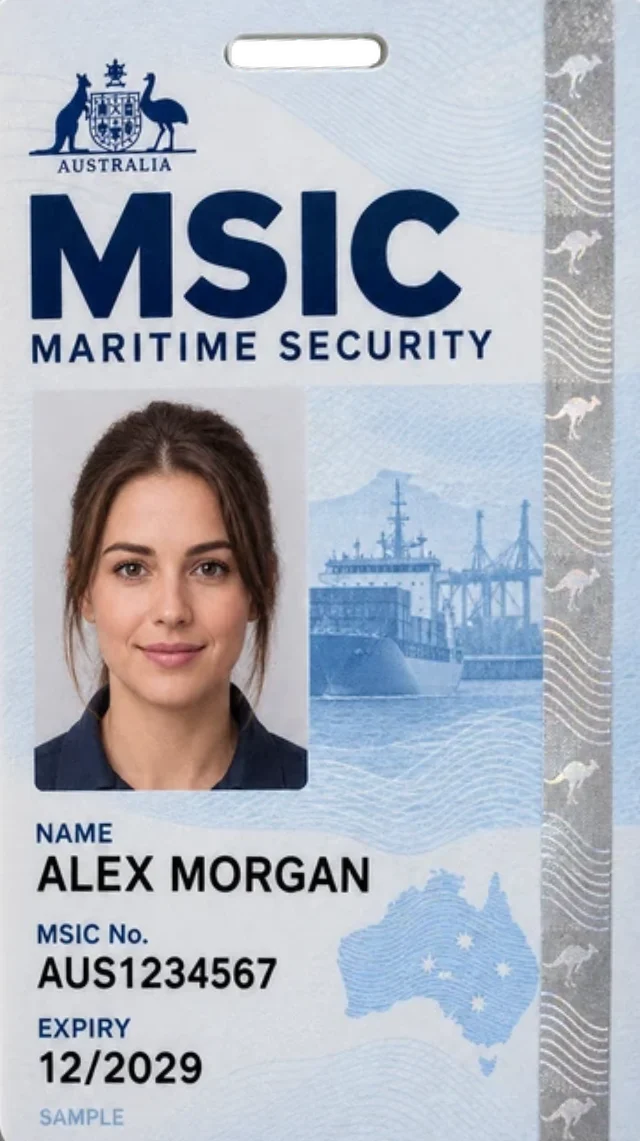
Checked with The MSIC issuing scheme, through the DVS
You enter full name, card number, expiry, card type, date of birth
Electoral enrolment. An AEC enrolment check is also available through the DVS for eligible Australian reporting entities. It confirms name, date of birth and residential address against the Electoral Roll.
New Zealand documents. NZ driver licences and passports are checked against New Zealand sources, not the DVS. New Zealand identity verification
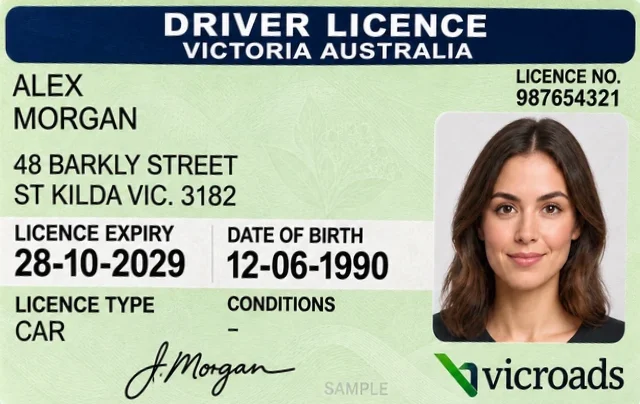
Specimen images. The cards and certificates shown are illustrations, not real documents. Issuers update designs; the check works from the details, not the image.
How it works
Collect the required details and consent, submit the selected check, then review the response. Enter names and document details as required for that document type.
Choose the document type and enter its fields exactly as printed. Confirm that the person has given express consent to the check before it runs.
OutputDocument details with a consent record
The details go through the DVS to the agency that issued the document. The agency compares them with its own record and answers. No record is returned, only the response.
OutputA DVS result code and request number
Read the outcome against your verification policy. Where details do not match, check the entry before asking for more evidence. Download the certificate for your file.
OutputA recorded result and a PDF certificate
Quick ID Checks
Each document type asks for its own fields and goes to its own issuer. This sample driver licence check, the most common, uses mock details to show the fields a staff member enters in WatchEye Quick ID Check, the response that comes back and the certificate it produces.
Sample WatchEye Quick ID Check for a Victorian driver licence: John Citizen, born 01/01/1980, licence 012345678, card P1234567, with consent accepted. The response is Identification Verified, DVS result code Y, and the certificate lists each detail checked.
Illustrative WatchEye screens and certificate with mock data (John Citizen is a fictional person). Not product screenshots.
Responses
A match indicates that the supplied details matched the issuer’s records. Consider that response alongside any other checks your process requires before deciding how to proceed.
The details you submitted match the record held by the issuing agency. The document exists and the fields you entered agree with it.
Next step. Record the result and continue with any other checks your policy calls for.
The details did not match the issuer’s record. Common causes are a mistyped digit, a shortened or former name, a missing middle name on a passport, or an expired document.
Next step. Compare the entry with the physical document, correct it and run the check again before asking for another document.
The request contained data the issuer could not process, so no comparison was made. An expired Centrelink card or a card number in the wrong format returns this response.
Next step. Check the format of each field and the document’s expiry, then resubmit.
Review the submitted details and returned response before asking for corrections or another document. An unsuccessful comparison does not, by itself, establish that fraud has occurred.
The two sample outcomes show the most common follow-ups: a name entered differently from the record, and a concession card that has expired.
Illustrative mockups with sample data. The review notes sit outside the product.
Evidence
Every completed check records the details entered, who confirmed consent, the DVS result code and the verification request number. The certificate puts these on one page for your file.
The result in WatchEye
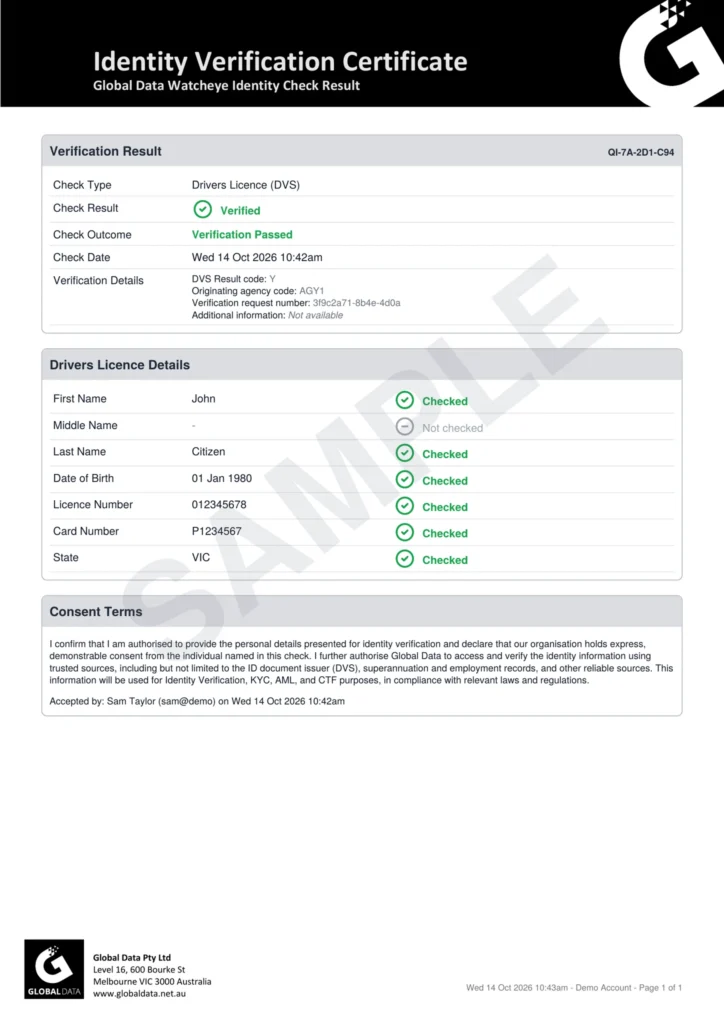
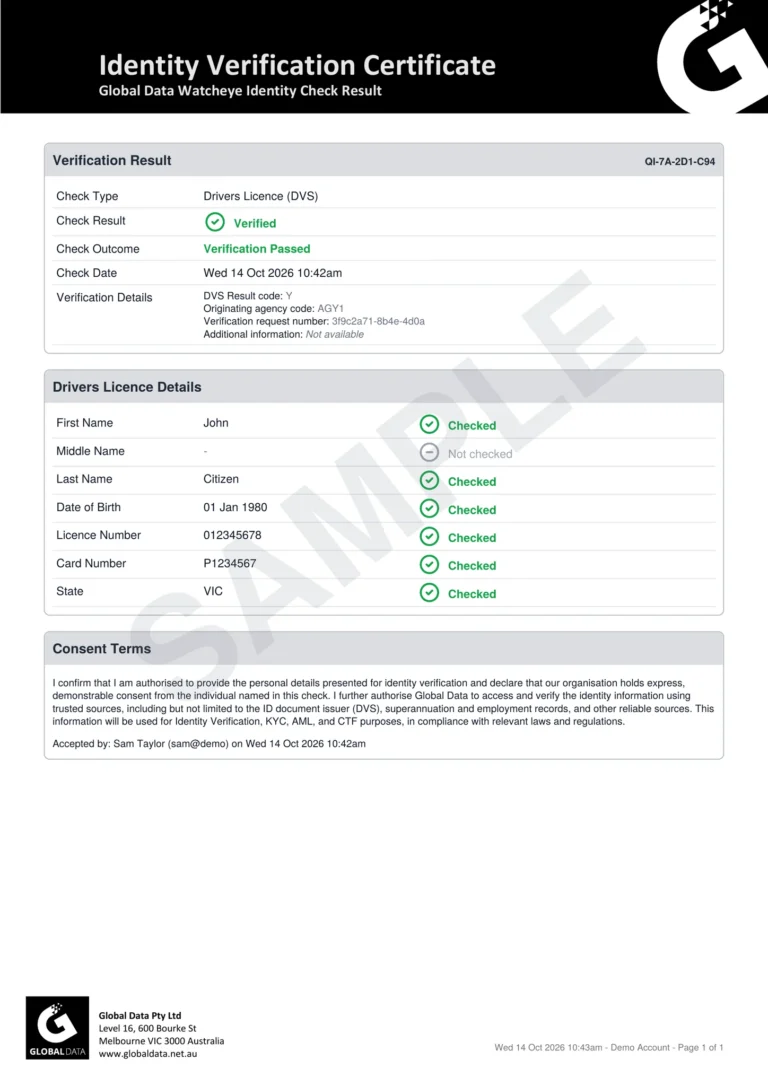
WatchEye Quick ID Check QI-7A-2D1-C94: Identification Verified, Verification Passed. Drivers Licence (DVS) for John Citizen, DVS result code Y, originating agency AGY1, verification request 3f9c2a71-8b4e-4d0a, consent accepted by Sam Taylor on Wed 14 Oct 2026 at 10:42am.
The certificate it produces
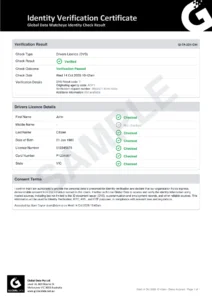
Open the sample verification certificate (PDF, opens in a new tab)
Illustrative result with mock data beside a sample WatchEye certificate.
Ways to verify
Customers can verify themselves from a link on their phone, or your staff can run a check with details they already hold. Choose the path that suits the customer and the way you onboard.
Path A · Customer-completed
Create an ID Pass in WatchEye and send the customer a single-use link by SMS or email. You choose the documents, how many are needed and whether to include liveness. The result comes back to your Quick ID Check list.
Illustration of the ID Pass flow with a sample organisation and mock details. Steps depend on your configuration.
Path B · Staff-run
Quick ID checks are one-off checks your team runs in WatchEye. The result comes back immediately, and the customer does not need to be in a program first. Run a DVS document check, or non-DVS checks against ASIC records, Global Data’s identity data and payroll and superannuation records.
Illustrative mockups with sample data, not product screenshots.
Global Data uses the Document Verification Service (DVS) to verify a person’s government-held identity documents.
The DVS allows for instant, online identity verification. A person’s name, address, date of birth and identity documents may be confirmed against government-held records. The DVS supports businesses to meet ‘know your customer’ requirements and to combat fraud and identity crime.
Path C · From your software
The WatchEye API runs the same Quick ID checks from your onboarding or case-management software. An ID check returns its result in the same response. You can also create an ID Pass through the API and send the customer the hosted link yourself.
Illustrations with sample data, based on the WatchEye API documentation. Not product screenshots.
Each DVS document type has its own endpoint. Open one to see the fields it accepts and the response it returns.
Access options
The options differ in who enters the details and where the result goes. Many organisations use more than one, for example staff checks at a branch and ID Pass for remote applicants.

Send a single-use link by SMS or email. The customer completes the document and liveness steps on their own device.

One-off checks your staff run with details they already hold: a DVS document check, or ASIC, Global Data and payroll checks.

Run ID checks and create ID Passes from your own software. Confirm the inputs and responses for each check type in the documentation.
Getting started
Bring your document mix, expected volumes and preferred access route to the demo. We can discuss the checks and setup that suit your requirements.
Questions
For the DVS itself, see IDMatch, the Australian Government’s guidance for DVS users.
It confirms a comparison of document details with issuer records. Establishing who is presenting the document may require separate checks, such as the liveness and face comparison available in biometric identity verification.
Usually because the details were not entered as they appear on the issuer’s record: a shortened name, a missing middle name on a passport, a mistyped digit. Check the entry against the document before asking for another document.
Yes. Licence checks need the licence number and the card number printed on the card. The middle name is optional and some jurisdictions do not hold it, so we recommend leaving it blank.
Staff-run and API checks send document details, not an image. ID Pass captures images for the customer flow; how long they are retained is set when the ID Pass is configured.
No. New Zealand checks use their own sources. See the New Zealand identity verification page for the available checks and inputs.
In WatchEye a check cannot run until the user confirms consent. The wording, the user and the time are stored with the check and printed on the certificate. For API checks your system keeps the wording and confirms consent in each request.
Request a demo
Explore a sample document check, the response your team receives and the access options relevant to your business. Use the call to cover:
Prefer to talk? Call 03 9948 4089, 9am to 5pm AEST, Monday to Friday.
"*" indicates required fields